Choose your models.
Connect NVIDIA or OpenRouter with your own key. Pick from the supported open model families and keep a shortlist that fits your work.
Free and open source · for Mac and the web
Build with the models you choose, in a workspace you control. Bring your own API keys. Keep every change within reach.
Free · Apple Silicon · Apache 2.0
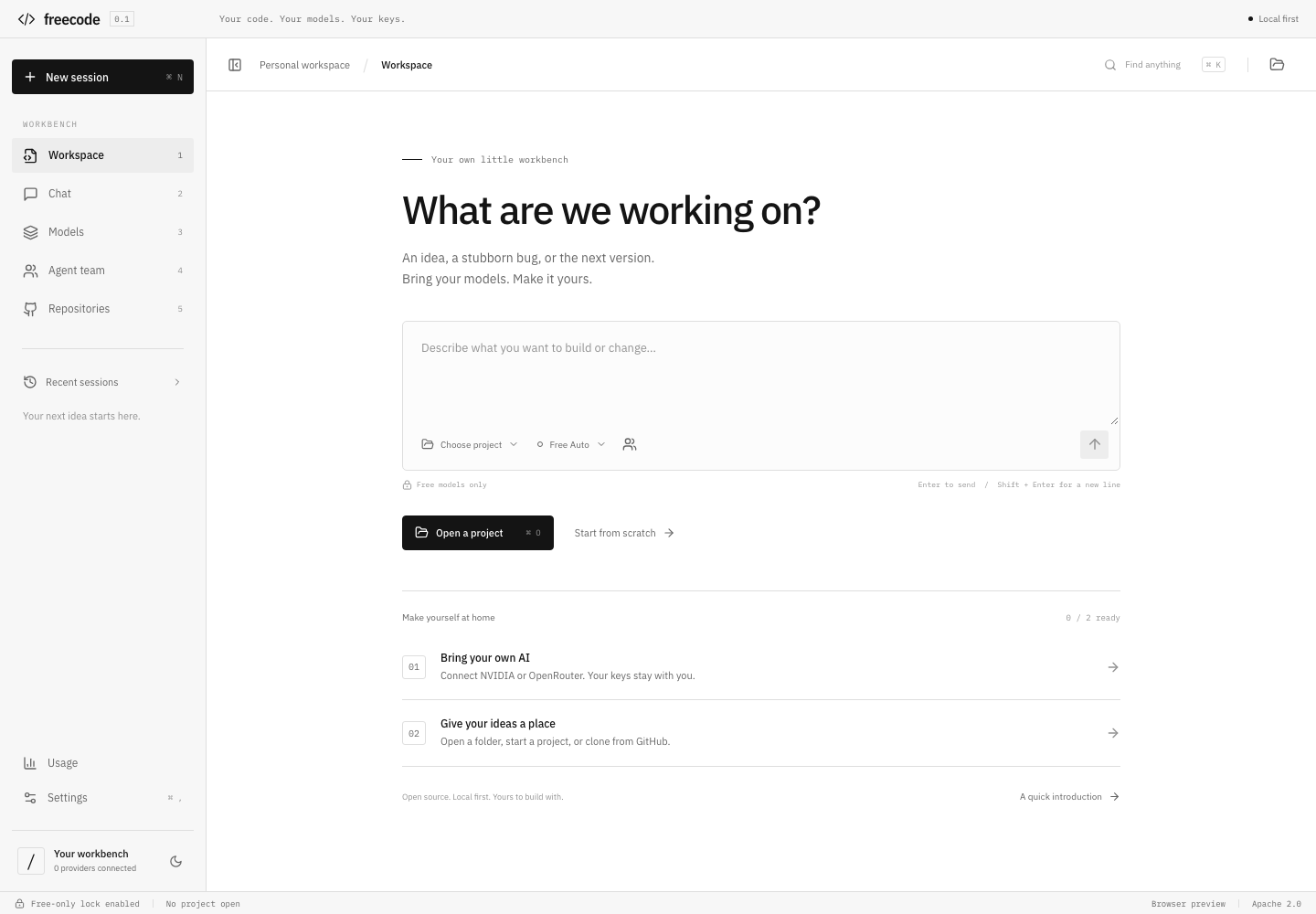
The desktop workbench. A place for the project, the conversation, and the work.
Room to work
Connect NVIDIA or OpenRouter with your own key. Pick from the supported open model families and keep a shortlist that fits your work.
Free-only mode filters eligible models and rejects unverified or nonzero pricing. Provider quotas and availability still apply.
The main agent can split independent work into bounded subagent tasks, collect the results, and bring the changes together.
Inspect changes, commit locally, and push a feature branch through your GitHub App. Automatic pushes require your permission.
Models and providers
Free Code focuses on a curated set of open model families, served by the provider you connect with your own API key. The list is read live from each provider, so new models appear on their own.
Which models you see depends on each provider’s catalog today, your key, and the free-only lock. A family is listed in the app only while a provider offers a model from it. Model names are trademarks of their respective owners.
In your browser
The web app works on a repository in the cloud. The agent reads and edits files, you review the diff, and an approved commit goes to a task branch. Nothing runs in the cloud, so commands, tests and the terminal stay in the desktop app.
Open the web app| Capability | Desktop | Web |
|---|---|---|
| Local projects | Yes | No |
| GitHub repositories | Yes | Yes |
| Commands, tests, terminal | Yes | No |
| OpenRouter models | Yes | Yes |
| NVIDIA models | Yes | No |
From an idea to a branch
Local files, terminals, and repository operations run on your own computer, with your own tools.
Add an NVIDIA or OpenRouter key, choose a project, and authorize your GitHub App for selected repositories.
Work with the agent, check the results, and commit the files you approve. Your repositories stay yours.
AI output needs your review. Free Code is a development release.